From idea to sound
Begin with the moment you want to hear, from a quiet ambience to a striking cinematic cue.
Describe a sound and explore what’s possible. Find ideas for custom effects and ambient audio.
Start creating soundsStart with a description of the sound you imagine and shape an idea that fits your scene.
Begin with the moment you want to hear, from a quiet ambience to a striking cinematic cue.
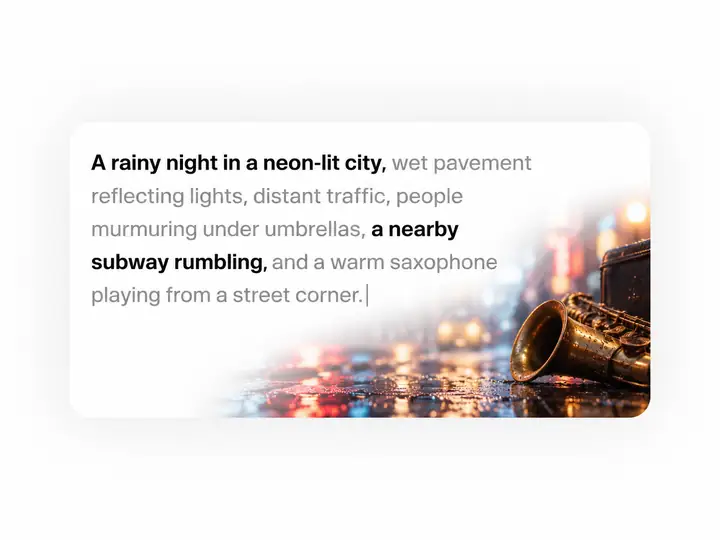
Add texture, distance, pacing and atmosphere to help describe the sound you have in mind.
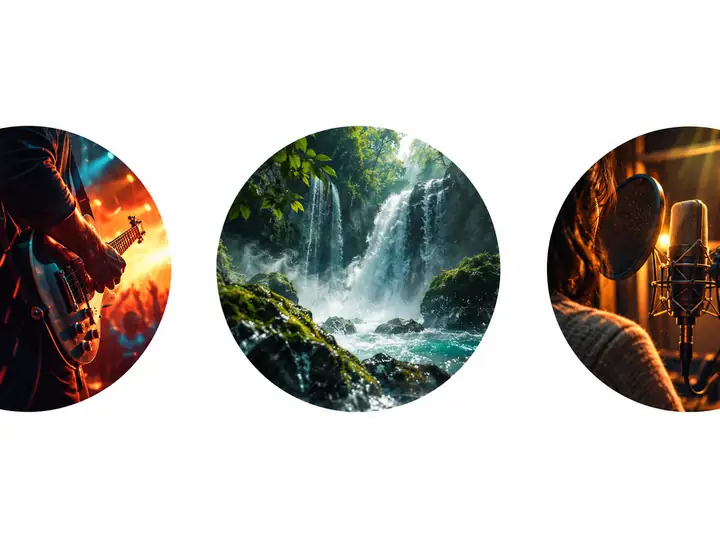
Find inspiration for film, games and videos. Check usage terms in the creation tool before publishing.
Think about the small sounds that give a setting character, depth and a sense of place.
Explore sound effect categories
Explore ideas for sound effects and ambient audio, then describe the particular sound your project needs.
Learn how to turn a scene, action or atmosphere into a clear sound description.
Build a prompt around the source, setting, perspective and timing of a sound.
Use familiar sounds as a starting point, then make the description your own.
Create collections of sound ideas
Soundboard inspiration
Group the sounds your story calls for: atmosphere, movement, transitions and the little details in between.
Start creating sounds| ImagineChoose a moment | DescribeGive it detail | ExploreContinue in the tool | UseFit your project | |
|---|---|---|---|---|
| Sound source | Action or place | Name the source | Consider variations | Choose what fits |
| Setting | Picture the scene | Add surroundings | Listen for context | Match the scene |
| Distance | Near or far | Set perspective | Compare the feel | Place in the mix |
| Texture | Soft or sharp | Use sensory words | Notice the detail | Support the mood |
| Timing | One beat or many | Describe the rhythm | Check the pacing | Align with action |
| Atmosphere | Choose a mood | Include ambience | Hear the space | Build the world |
| Intensity | Subtle or bold | Set the energy | Compare emphasis | Balance the mix |
| Layers | One sound or a scene | Mention background | Review each part | Keep it coherent |
| Reference | Recall a real sound | Explain its qualities | Test the direction | Refine the idea |
| Project | Film, game or video | Describe its purpose | Review in context | Check usage terms |
| Next step | Find inspiration | Write your prompt | Open the sound tool | Make it yours |
Available creation options and usage terms are shown in the sound tool.
For every kind of project
CREATIVE WORKFLOWS

Questions and answers
Start with the sounds a scene needs, then group them by setting, action or mood. A short, specific description makes each idea easier to revisit and develop.
Describe what you want to hear in ordinary language. Include the source of the sound and any details that matter, such as distance, rhythm or surroundings. The form above takes your description to the sound tool.
Sound effects can establish a location, punctuate an action or make an interface feel responsive. They are useful when planning film scenes, games, videos, podcasts and other audio projects.
A soundboard can help organize ideas for moments you want to return to. For each sound, note its purpose and how it should sit alongside dialogue, music and ambience.
Usage rights depend on the tool and the terms that apply when you create or obtain a sound. Check those terms before using an effect in a commercial project, advertisement, video or social post.
Keep a record of where a sound came from and the license that covered your intended use.
Browse the categories above for a starting point. If the sound you need is unusually specific, describe the action and setting in the prompt console and continue to the creation tool.
Royalty-free describes a licensing arrangement, not an absence of rules. A sound may still have restrictions on distribution, resale or commercial use. Always read the applicable license rather than assuming every sound has the same terms.
Start with sounds you will actually use, then give each one a clear label. Combine recognizable cues with quieter transitions and ambience so the collection has range.
Create with sound in mind
Start creating